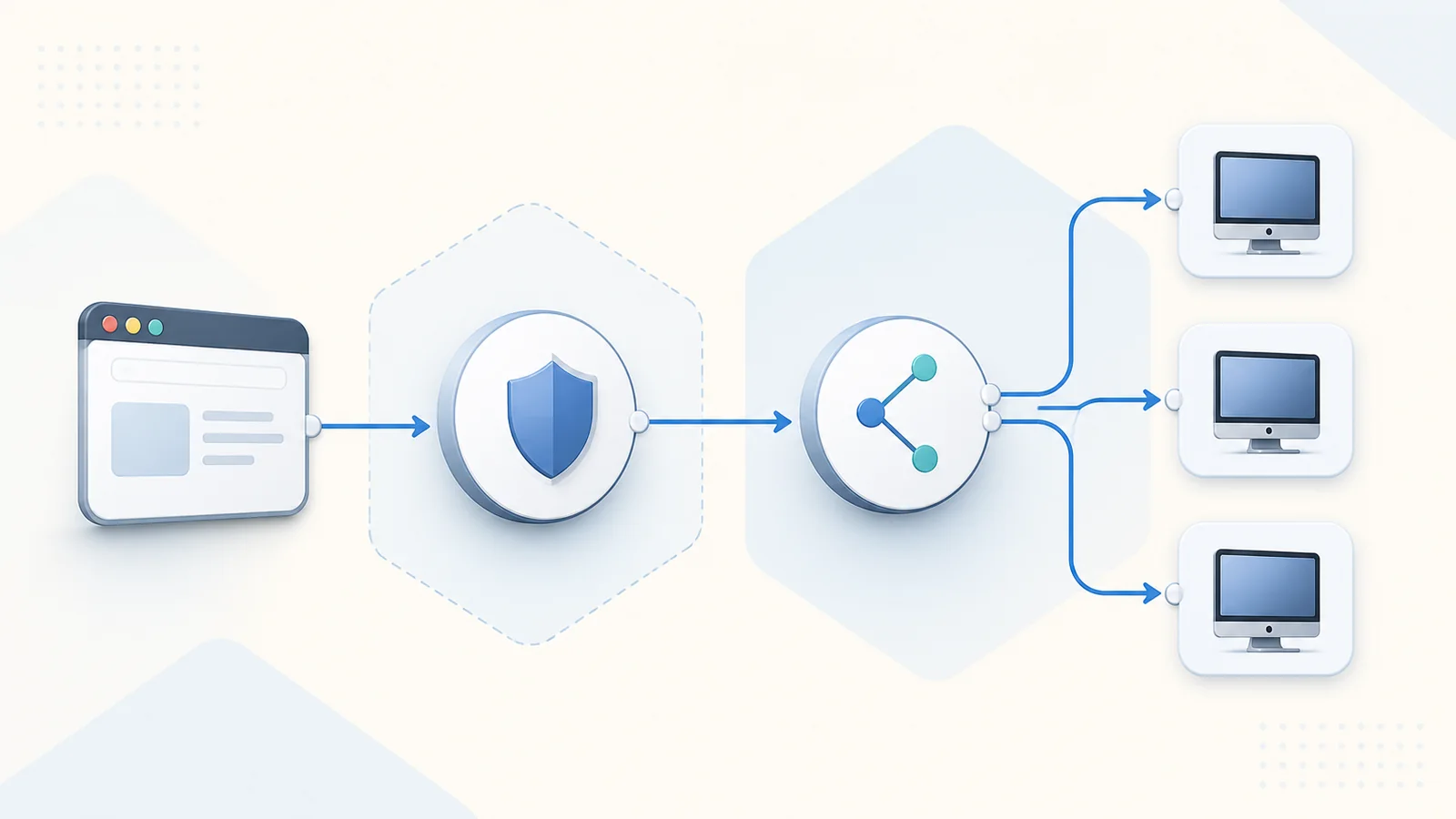
A browser session can fail while the public page still loads normally. The page, authentication flow, resource feed, launch request, gateway tunnel, broker decision, and session-host connection are distinct steps. A useful network plan names the owner and expected evidence for each one.
Draw the route before opening ports
Create a diagram that begins with the user’s browser and ends at the session host collection. Include public DNS, reverse proxies or application delivery controls, RD Web Access, RD Gateway, Connection Broker, identity services, internal DNS, firewalls, and the target session hosts. Mark which connections use HTTPS and which remain internal.
Use the remote dekstop web access model as a vocabulary guide, then replace every generic label with the actual system name in your environment. A diagram is valuable only when operators can map a user-visible error to the team responsible for that hop.
Design a stable public HTTPS edge
Users should receive one documented hostname that resolves consistently from approved locations. The certificate presented at that hostname must be trusted, current, and valid for the name users open. Certificate renewal should have an owner, monitoring, and a test that confirms the full chain from an external client.
Avoid publishing internal hostnames or session-host addresses. A public entry point can be protected with rate controls, web filtering, conditional access components, or an approved application proxy where supported. Any intermediary must preserve the protocols and headers required by the web client and gateway.
Treat RD Gateway as an authorization boundary
RD Gateway is more than a tunnel. Connection authorization policy determines who may use the gateway, while resource authorization policy determines which internal computers or groups those users may reach. Broad rules can turn a well-designed edge into an unnecessary path across the internal network.
Separate user groups, target groups, and administrative access where practical. Record why each rule exists and review it when departments, vendors, or collections change. Test an explicitly denied scenario as well as a successful connection so operators know policy is actually enforced.
Keep Web Access, Broker, and publication aligned
RD Web Access needs to present the resource information associated with the deployment, while Connection Broker must direct the session toward the correct collection and existing session state. A healthy home page does not prove that broker discovery or resource publication is correct.
Use service accounts, database connectivity, and high-availability names according to the chosen RDS design. When a resource tile is missing, examine publication and assignment before investigating gateway bandwidth. When launch begins but cannot select a host, shift attention toward broker and collection health.
Verify internal name resolution and reachability
Every server role must resolve the names it actually uses, not merely names that work from an administrator laptop. Confirm forward and reverse expectations where relevant, certificate names, firewall profiles, routing tables, and the ports required between documented role pairs.
Test from the source network of the calling service. A session host reachable from one management subnet may still be unreachable from the broker or gateway path. Replace broad temporary firewall rules with the minimum explicit rule after diagnosis, and remove test exceptions promptly.
Plan for proxies, inspection, and timeouts
TLS inspection, forward proxies, load balancers, and security gateways can alter or terminate connections. Document which device owns the public certificate, whether persistence is required, how long idle and active sessions may remain, and which logs can correlate a browser request with a gateway event.
Timeouts should support the user workflow without preserving abandoned sessions indefinitely. Align network idle timers with RDS session policy so a connection is not silently dropped by an intermediary before the session host or gateway expects it. Monitor both connection count and failure rate.
Validate from realistic client networks
Test from an approved external network, an internal network, and any managed proxy path that users rely on. Verify page load, authentication, resource enumeration, launch, reconnect, sign-out, and the local features the organization supports. A synthetic HTTPS check alone cannot prove the interactive RDP path.
Record timestamps and correlation identifiers wherever the products expose them. Keep a known test account with limited access and a harmless published resource. That controlled baseline helps distinguish a platform outage from one user’s identity or one collection’s configuration.
Network design review
- Public hostname, DNS owner, and certificate renewal owner documented.
- Only reviewed edge services are reachable from external networks.
- Gateway connection and resource authorization policies are narrow.
- Web Access publication and Broker collections agree.
- Internal role-to-role DNS and firewall paths are tested.
- Proxy, load-balancer, and session timeouts are aligned.
- External launch and denied-access scenarios are both verified.
Remember
Do not solve external access by publishing session hosts directly. Keep one reviewed public edge, use trusted certificates, and prove each internal hop separately.